

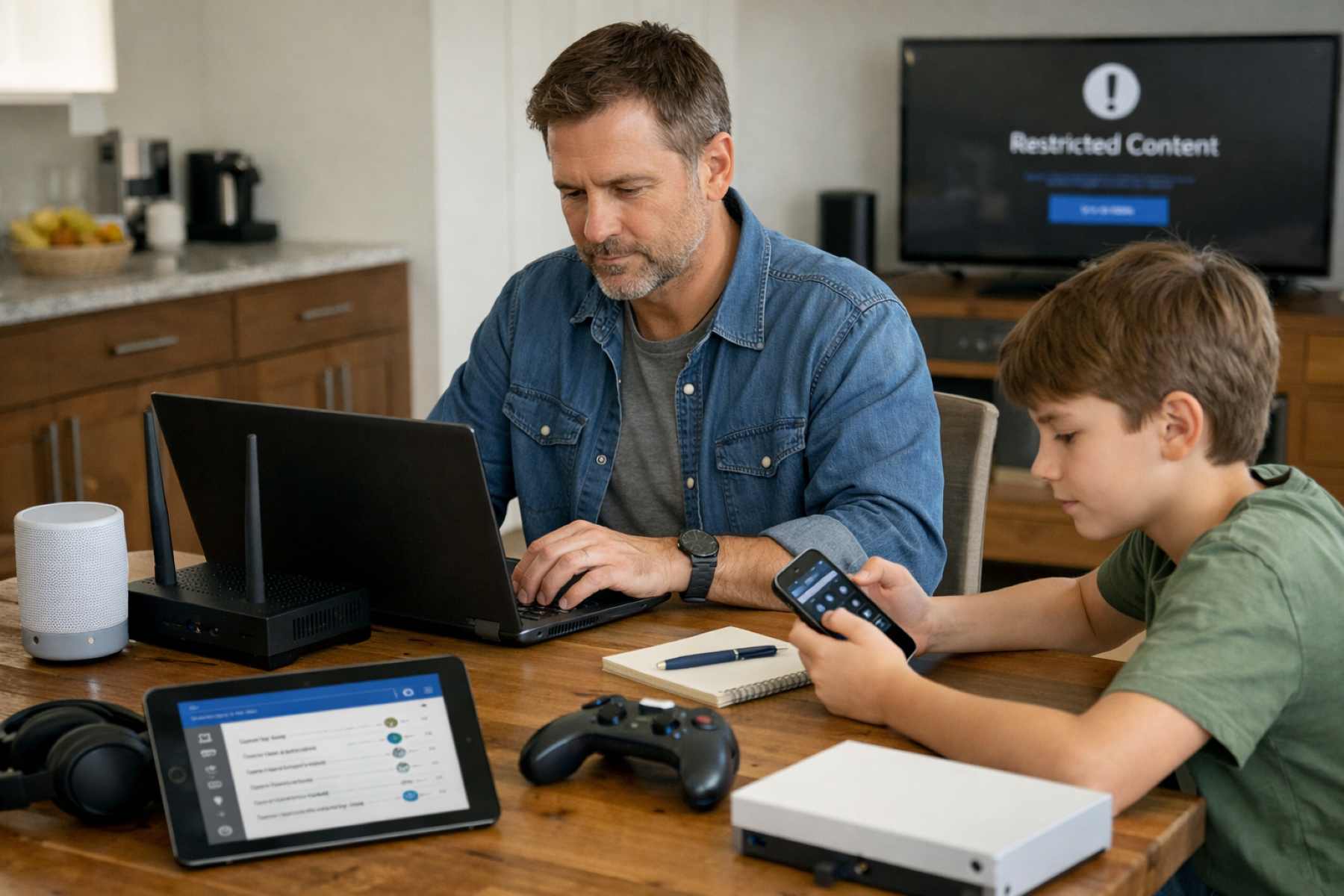
Modern homes are more connected than they have ever been, creating a digital ecosystem that offers incredible learning opportunities alongside significant responsibilities. As we integrate smart technology into every corner of our lives, ensuring a safe environment for younger users becomes a priority. A parental control setup is no longer just about blocking a single website; it is about creating a holistic “digital fence” that protects your family’s privacy while fostering healthy online habits.
Understanding the Role of Parental Control Setup
Before diving into the technical configurations, it is helpful to understand what a parental control setup actually entails. At its core, this process involves using software tools and hardware settings to manage the content, time, and interactions a child has with digital devices. Rather than acting as a tool for surveillance, these settings serve as digital guardrails. They help bridge the gap between a child’s natural curiosity and the vast, sometimes unfiltered, world of the open internet, allowing for exploration within a secure framework.
Assessing Your Home Network Security
The first step in a comprehensive privacy audit begins at the source: your home network. Before adjusting individual tablets or phones, take a moment to evaluate the strength of your overall connection. This includes ensuring your Wi-Fi password is robust and that your network name doesn’t reveal personal information. A secure network acts as the foundation for all other safety layers, preventing outside intruders from accessing the devices your children use every day.
Configuring Router Level Internet Filters
One of the most efficient ways to manage a parental control setup is at the router level. By configuring filters directly on your hardware, you can apply broad safety rules to every device in the house simultaneously. Most modern routers offer built-in settings that allow you to block categories of content, such as adult sites or known malicious domains. This “top-down” approach ensures that even if a guest connects to your Wi-Fi, the internet remains filtered according to your family’s standards.
Setting Screen Time Limits Globally
Balance is essential for a healthy digital life, which is why setting global screen time limits is a cornerstone of digital wellness. Most ecosystems, such as Apple’s Screen Time or Google’s Family Link, allow you to dictate exactly how long certain apps can be used. By establishing these limits, you help children learn to self-regulate, ensuring that technology remains a tool for growth rather than a constant distraction from sleep, homework, or face-to-face family time.
Enabling Restricted Mode on YouTube
YouTube is a primary source of education and entertainment, but its algorithm can occasionally lead to unexpected places. Enabling Restricted Mode is a vital step in your parental control setup to help hide potentially mature content. While no filter is perfect, this setting uses community flagging and automated systems to provide a much cleaner viewing experience. For younger children, transitioning to the YouTube Kids app offers even tighter controls and a curated environment.
Managing App Store Purchase Permissions
Digital safety also includes financial security. It is remarkably easy for a child to accidentally rack up charges through “in-app purchases” while playing a favorite game. By requiring a password or parental approval for every download and purchase, you maintain control over the family budget. This also provides an opportunity to review the privacy policy of an app before it is even installed on a device.
Activating Built-in Smartphone Privacy Settings
Smartphones are incredibly personal devices that collect a wealth of data. Navigating to the “Privacy and Security” section of a phone’s settings allows you to restrict access to the camera, microphone, and contacts. Ensuring these settings are optimized prevents apps from gathering more information than they truly need to function, which is a critical component of maintaining a child’s digital footprint.
Monitoring Social Media Platform Activity
As children grow older, their interest in social media naturally increases. Rather than a “set it and forget it” approach, monitoring social media requires an ongoing dialogue. Utilize the native “Family Pairing” or “Parental Supervision” features found on platforms like TikTok and Instagram. these tools allow you to see who they are communicating with and how much time they spend scrolling, without necessarily reading every private message.
Filtering Explicit Content on Browsers
The web browser is the gateway to the world, and keeping it safe requires specific attention. Most major browsers, including Chrome, Safari, and Edge, have built-in filters to exclude explicit results from search queries. Ensuring “SafeSearch” is locked on all family devices helps prevent accidental exposure to inappropriate imagery during routine homework sessions or general browsing.
Securing Gaming Console Online Interactions
Gaming is now a highly social activity, often involving voice chat with players from around the globe. To secure these interactions, dive into the settings of consoles like the PlayStation, Xbox, or Nintendo Switch. You can restrict who can send friend requests, disable voice chat with strangers, and set spending limits on digital storefronts, ensuring the gaming experience remains fun and age-appropriate.
Reviewing Smart Television Viewing Restrictions
Even the living room TV needs an audit. Smart TVs and streaming services like Netflix or Disney+ offer individual profiles with age-based ratings. By setting up a parental control setup on each profile, you can ensure that a toddler isn’t accidentally watching a gritty crime drama. Adding a PIN to the adult profiles adds an extra layer of security, keeping mature content strictly for the grown-ups.
Auditing Voice Assistant Recording History
Devices like Amazon Alexa or Google Home are always listening for their wake word, which means they occasionally record snippets of household conversation. Periodically reviewing and deleting the voice command history is a smart privacy move. You can also disable the “purchasing by voice” feature to prevent any accidental orders from being placed by younger family members during play.
Establishing Digital Wellness Family Boundaries
Technology is most effective when it is guided by clear, human boundaries. Establishing “tech-free zones,” such as the dining table or bedrooms after 9 PM, helps reinforce the idea that the physical world takes precedence. These boundaries work best when parents model the behavior themselves, showing that a parental control setup is about mutual respect and healthy living rather than just restriction.
Disabling Unauthorized Location Sharing Features
Many apps request access to GPS data to provide localized services, but this can pose a privacy risk for children. It is generally helpful to audit which apps have permission to see a device’s location. For most games and photo editors, location sharing is unnecessary and should be disabled to ensure that a child’s physical movements are not being tracked by third-party developers.
Updating Software for Security Patches
One of the simplest yet most overlooked aspects of digital safety is keeping software up to date. Developers constantly release patches to fix security vulnerabilities that could be exploited by hackers. Setting all family devices to “Auto-Update” ensures that you always have the latest protections against emerging threats, keeping your parental control setup robust and effective.
Verifying Third-Party App Data Access
Finally, take a moment to review which third-party apps are linked to your family’s primary accounts (like Google or Apple IDs). Often, we grant access to an app once and forget about it. Periodically revoking access for apps that are no longer in use minimizes the “attack surface” of your digital life and ensures that your family’s data isn’t sitting on a forgotten server somewhere.
Conducting a smart home privacy audit is an act of care that grows and evolves with your family. By taking the time to implement a thorough parental control setup, you aren’t just blocking content; you are building a foundation of trust and safety. As your children mature, these technical settings will likely loosen, replaced by the wisdom and digital literacy they gained while exploring the internet within the safe boundaries you provided. Ultimately, the goal is to empower the next generation to use technology mindfully, securely, and with a sense of purpose.